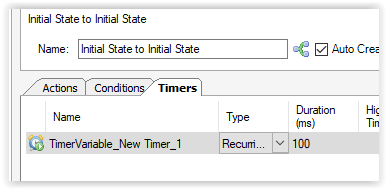
Start recurring timer on boot.

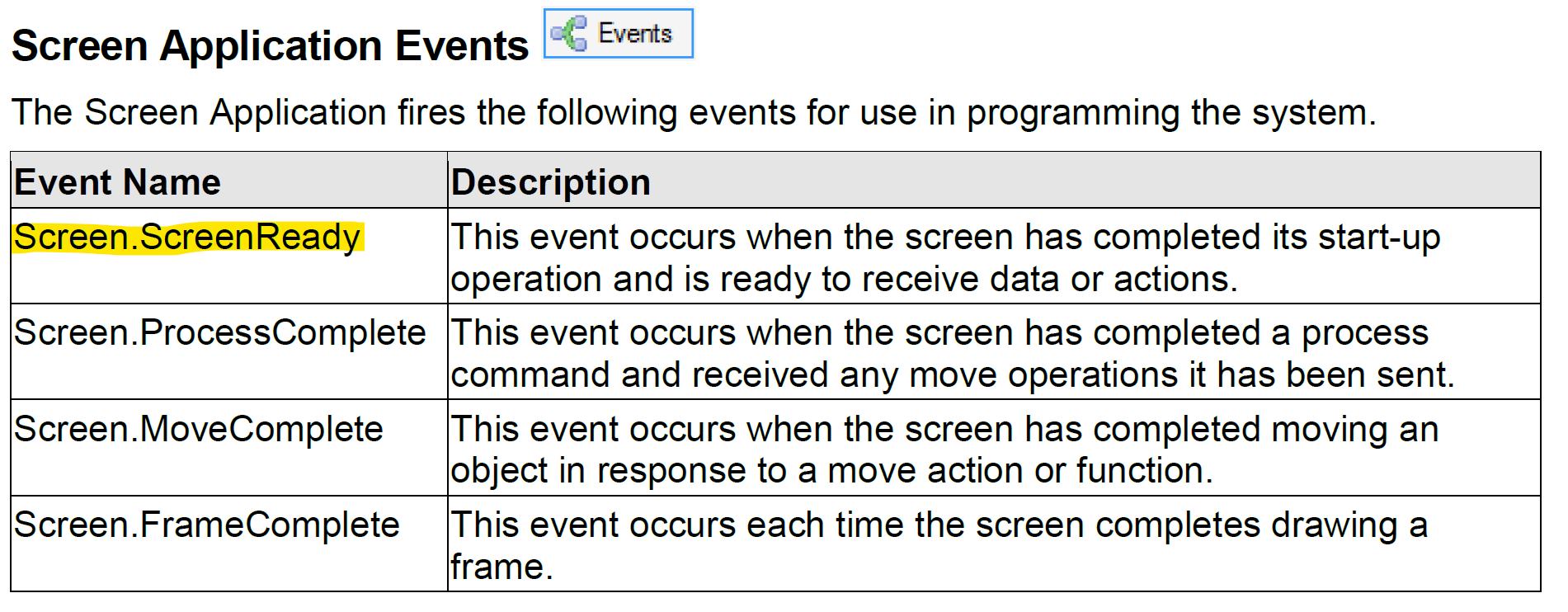
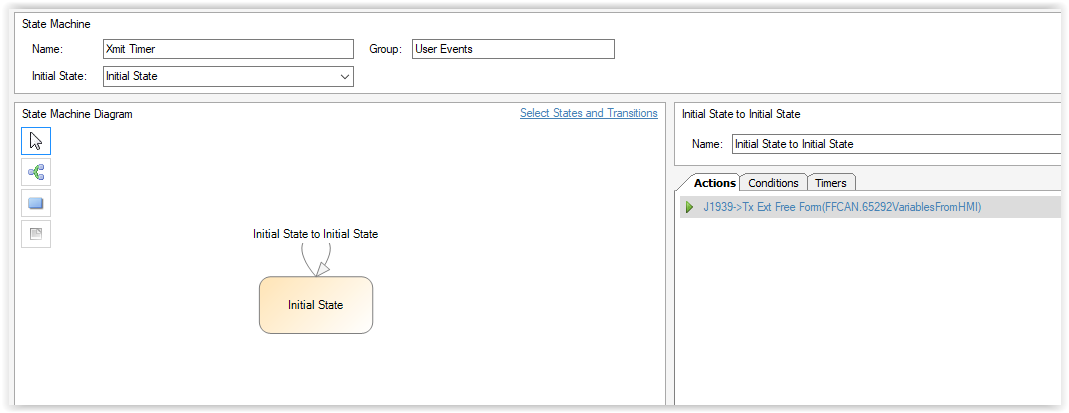
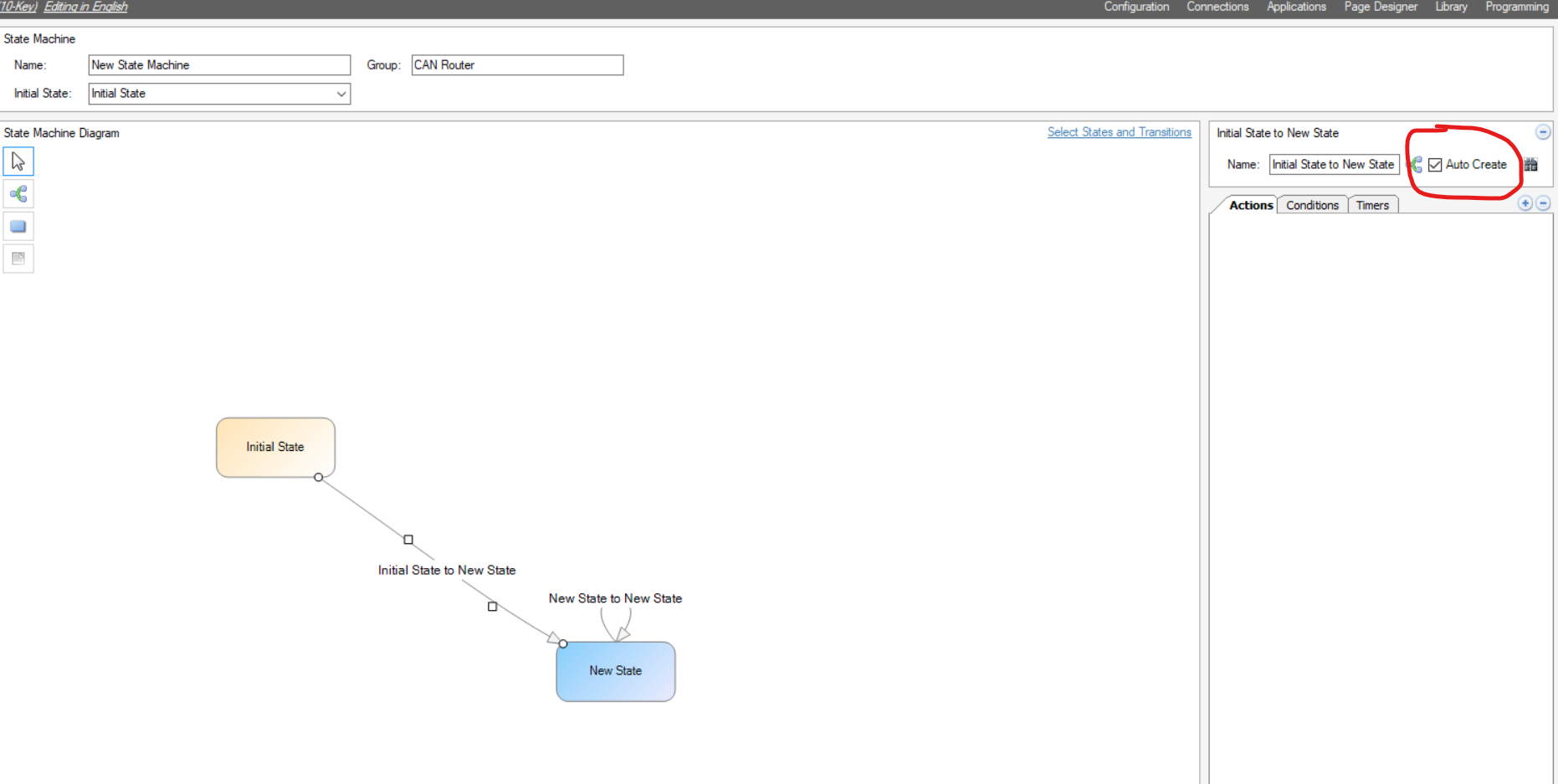
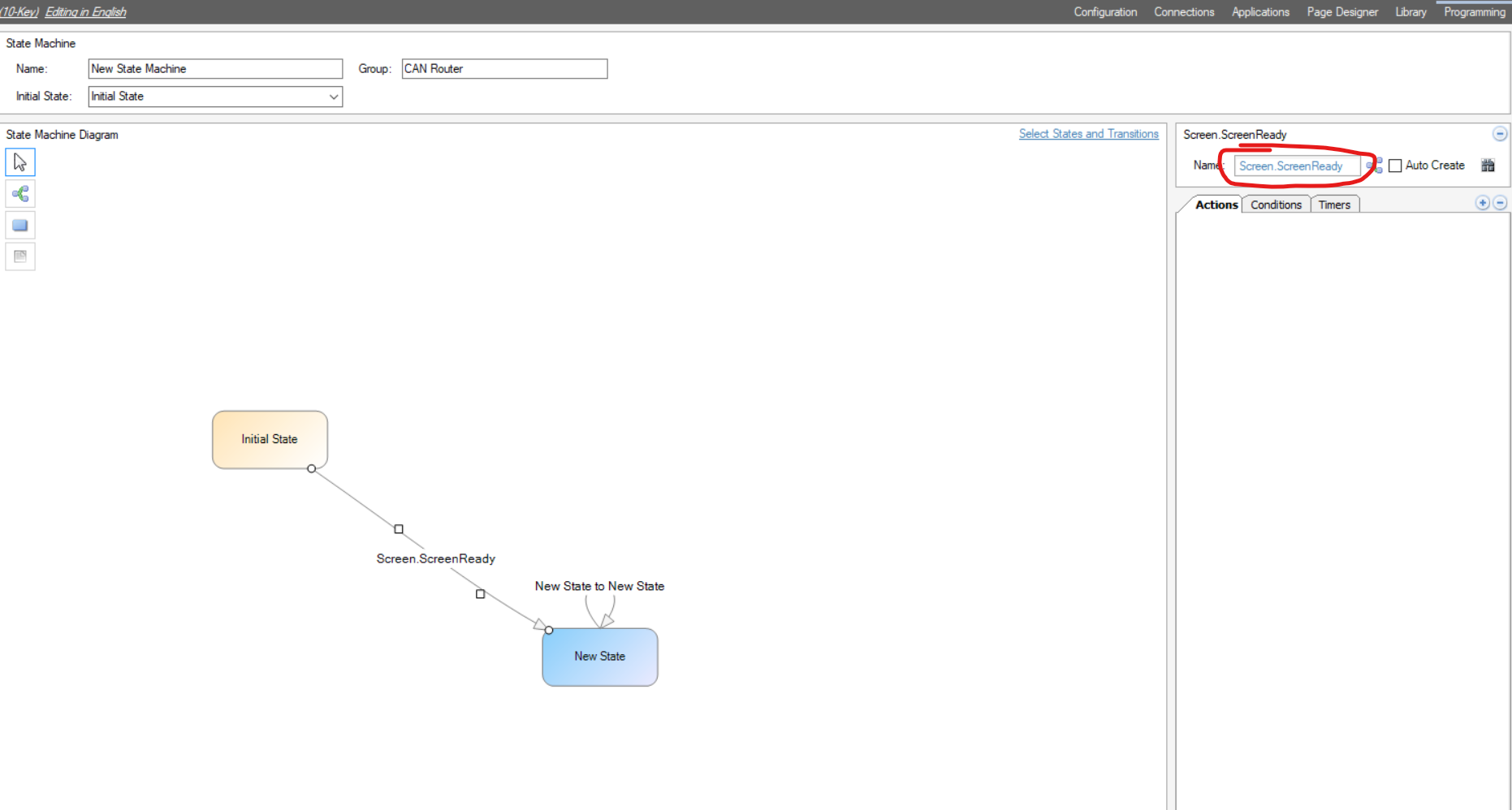
I've got a PV1100 display and I'm wondering if there's an event that fires when the display boots up that I could use to fire an event that starts a recurring timer. I'd like to start sending CAN messages to my controller without any user input.
-
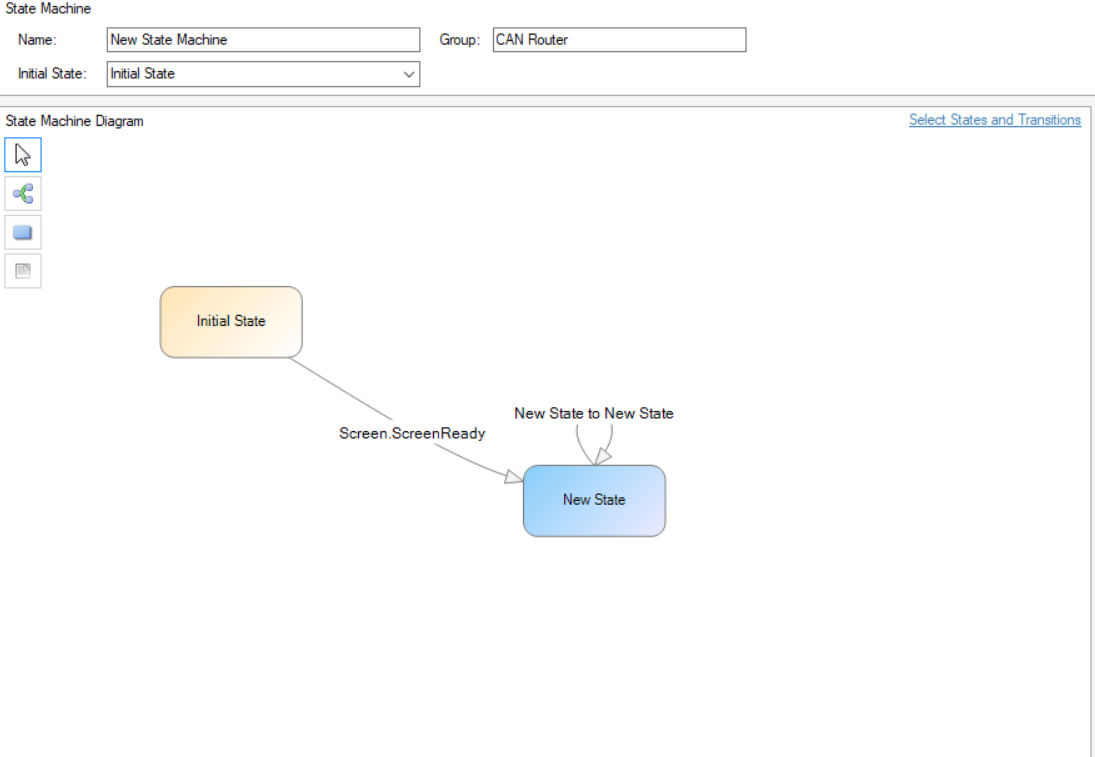
Caveat for anyone who finds this thread: After the ScreenReady event fires, the system still needs a moment before it sends any CAN messages. I tried using this event to send some initial configuration data to a controller, and the first message in the series wouldn't get sent. (I think it's due to the display doing the J1939 address reserve sequence at this moment) I add a 2 second delay after the screenready event fires and that seems to be enough time that a message won't fail to send. IF anyone has a better method for knowing when the display is fully ready to communicate, I'd love to hear it.


Please sign in to leave a comment.
Comments
8 comments