Simulation Values ( min, max and step) for Variables affecting live data?

HI, we've found a very strange thing, not sure if this existed before, we certainly havn't seen it before...
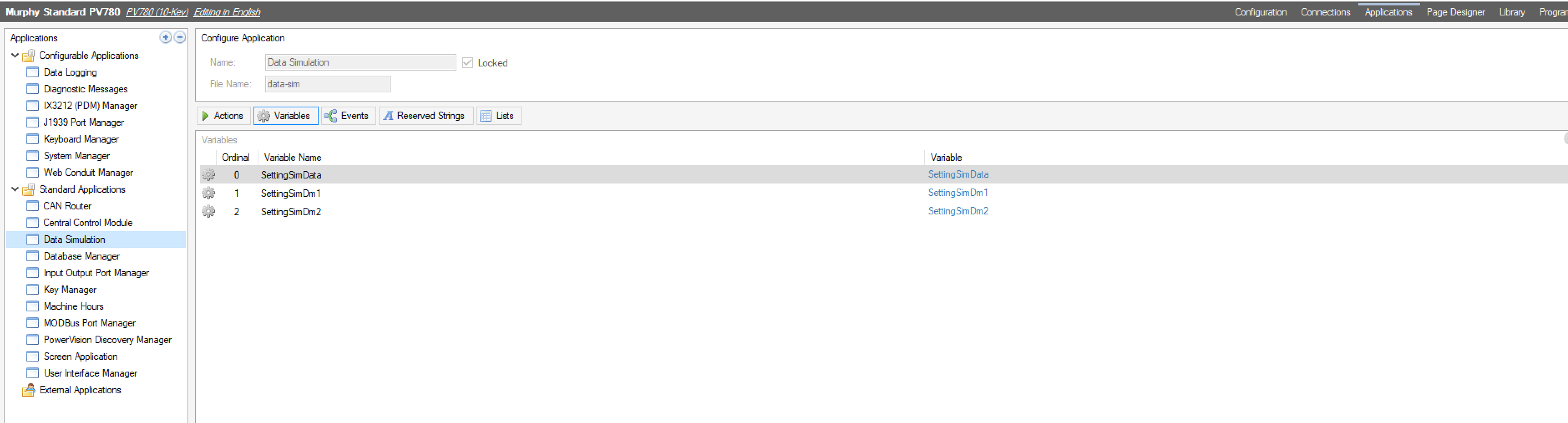
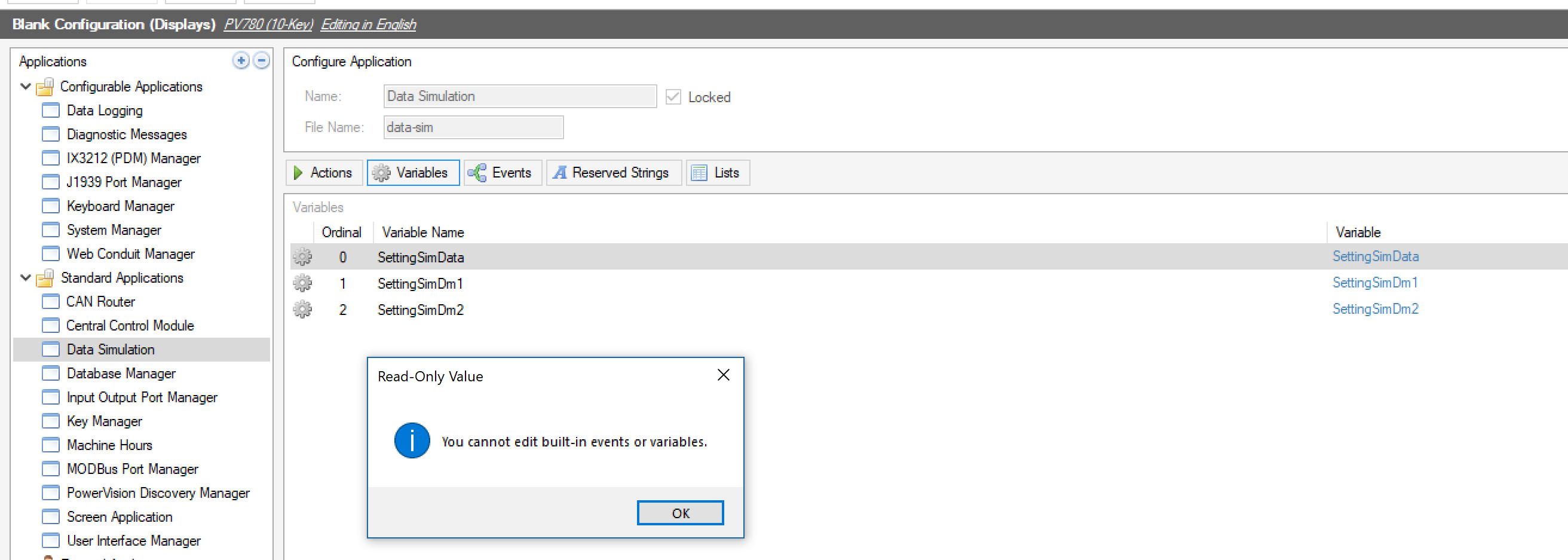
During the development of a config, we set the min and max values of the simulaiton data with suitable step values so we can see the results of calulations and gauges etc.
We are using a a PV780 Touch with 2.9.21075. After we comile the config and load it via TCP link, the values on the actual hardware are stepping from the min to max values in the step values, as if we had the simulation mode active in Powervision? When we send Real CAN data using CANcapture, the values jitter on the screen between the live data, then back to the moving simulattion values, and so on..
We used one of the Murphy demo configs( Demo DataLogging.murphyConfig ) as a starting point.
Is there a setting we may have missed that enables demo/simulated data in the real hardware?
Edited to say, if we set the min and max simulation values to 0, recompile and load, the problem goes away.
Many thanks, Dave.


Please sign in to leave a comment.
Comments
3 comments